A Designer's Take on What Figma Could Build Next
Three ideas for what Figma could build in the AI era — and why design thinking is becoming more important, not less.
I’m tired of seeing obviously vibe-coded products people post online. Some of them look cool at a glance, until you actually start to use them. Inconsistent UIs across screens, weird cut-off text (yes, Claude Design), unintuitive flows, interfaces with no character. It’s not that these teams didn’t hire designers. It’s that they jumped steps and handed the design thinking and decision-making to AI. They sacrificed quality for speed, or laziness.
The hype and noise right now create the FOMO that none of the process in the middle matters anymore. But in reality, there’s still a gap between what people actually want and what they’re able to build. When things settle back to a steady pace, design thinking will only be more important than people give it credit for today.
Figma has been my thinking buddy. When I explore ideas or work through a UI problem, its canvas is pen and paper to me. I come up with new ideas, define brand character, test out different layouts, and make tons of decisions actively at the same time. Other tools are closing the gap between designing and building, and yes, that’s important. Everyone says it’s over for Figma. But there are parts of the building process that are meant to be slow. I think Figma can be a great help there, and that’s Figma’s real competitive edge against tools like Claude Design.
I’ve been sitting with a question lately: if AI is going to reshape how design tools work, what should Figma actually build? Not “how does Figma compete with Claude Design.” That’s a market question. The question I’m more interested in is:
What parts of a designer’s work should get faster, and what parts should stay slow?
I have three ideas that span across the workflow. The first one I’ve thought through the most and prototyped. The other two are more forward-thinking — directions I believe in that are worth more thinking, but haven’t fully formed yet.
#1 Take the mechanical work off the designer’s plate
This is about enhancing speed, but only the right parts, so designers have more room to do the real thinking. This one’s a low-hanging fruit for me.
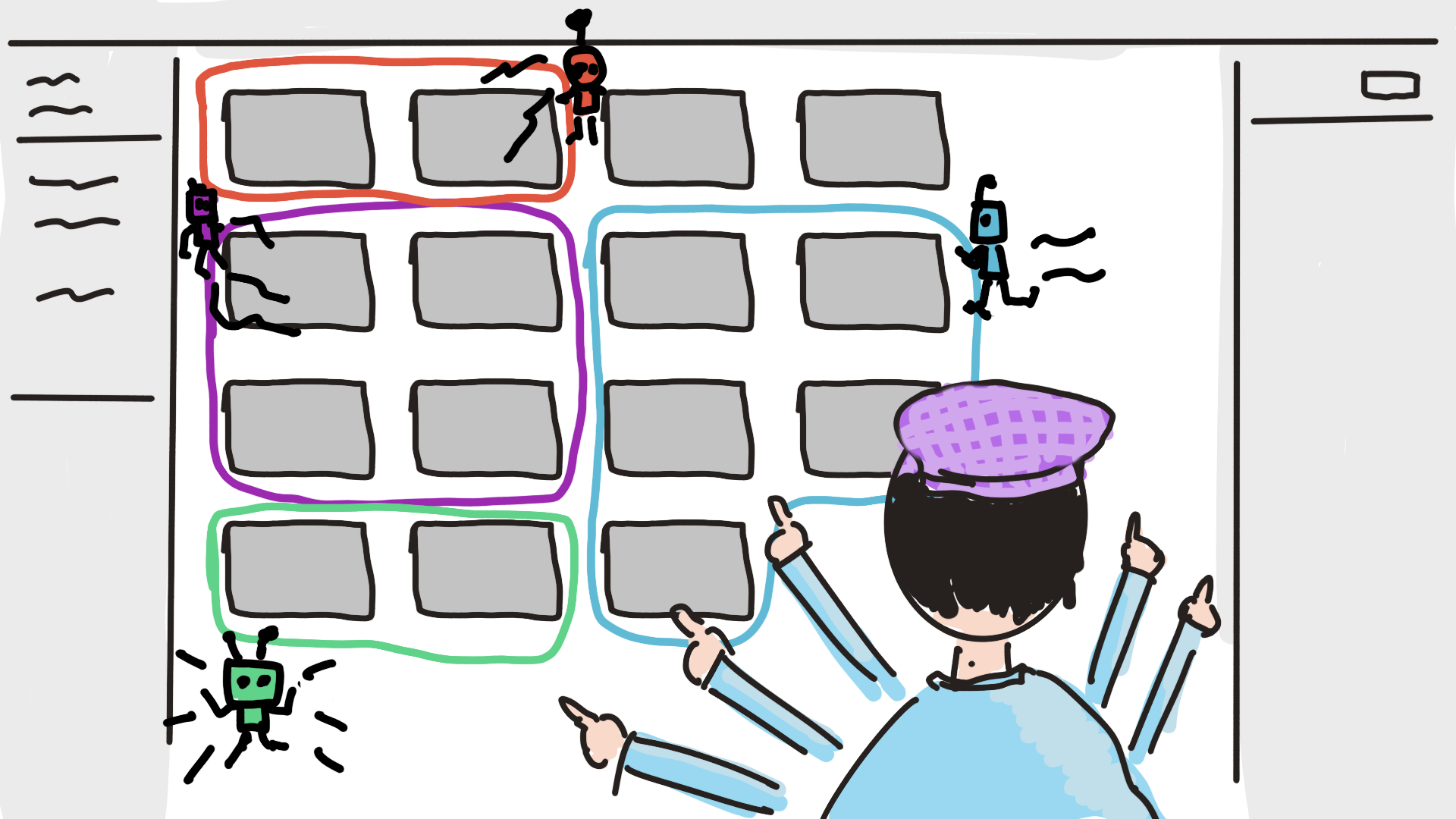
I still go to Figma to craft design details. That code-to-Figma-to-code round trip should be as smooth as possible for people who still care about the craft. I still have organic exploration trees for components. But there’s a problem: repetitive tasks that sit in that trip, that sometimes make it harder to do the exploration and craft I need.
For example, I updated a stepper component for a multistep workflow. After updating the component, I still needed to make manual changes across screens to make sure the properties and each overwritten field matched each screen’s context. Those screens can’t simply be changed by copy-paste or updating a shared component. There are things specific to each screen that currently need to be applied by hand.
There should be an agent that acts like a very junior designer, helping with this kind of repetitive work. The existing AI features on the canvas are on the right track. “Replace content” has saved me a ton of time, even though it seems like a fairly small tool. The principle is the same: the tool handles work that has a correct answer the designer already knows.
Now imagine that principle scaled up:
“Help me change the existing 16 screens to update the layout to match this updated design.”
“Make sure the selected items on the nav bar match the screens.”
Here’s the prototype I built to see how this could feel in practice — selecting a region of screens, then asking the agent to apply a change only inside it.
One detail I think matters: when prompting the agent to do work, users should be able to select the area or sections that the changes apply to. This scopes the agent’s attention and rules out the overhead of unnecessary context.
The designer decides where the agent works. The agent decides how to do the work within that scope.
#2 Protect and amplify the exploration process
Exploration is slow. And because it’s slow, designers get pressured to skip it or settle on a direction too early. Research and exploration are time-consuming, so designers often have to commit to a mediocre solution because it needs to happen fast. But if the exploration and thinking process were more efficient, designers could use their intuitions to make decisions faster, and they’d be more likely to be given the room to explore in the first place.
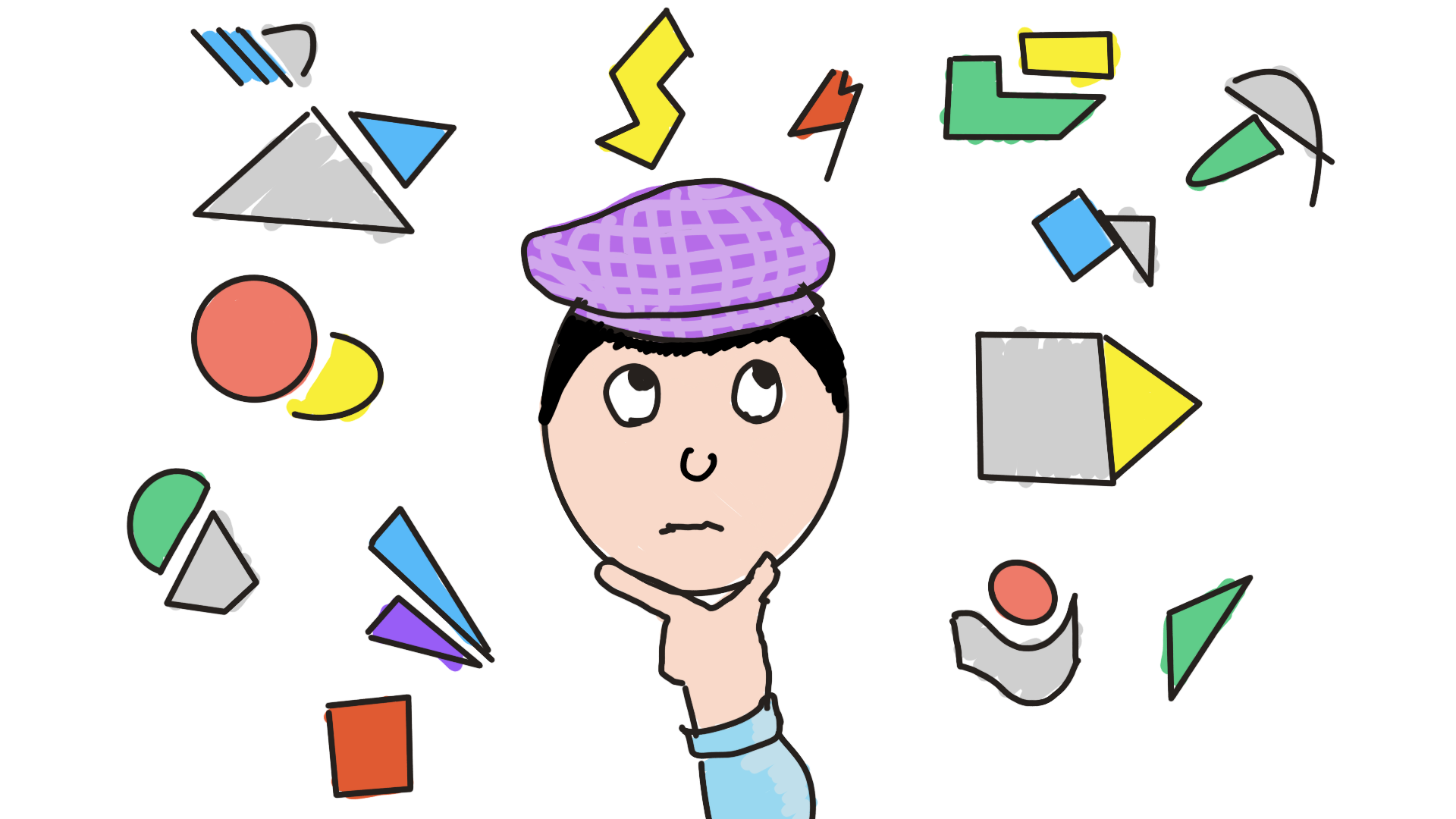
It’s still important for designers to explore on a canvas, working on many variations like an organic tree, to reach the final product. This happens early in the process and during iterations when designers want to change something. It’s the thinking process, and Figma is a great canvas to conduct it. AI can participate here — as a coworker generating more ideas alongside users, not as a replacement. This exploration process is valuable now, and I think it will become more valuable as AI-generated output gets more common and more similar-looking.
This is more of a direction I want to go in than an already-formed solution. But here are examples of what it could look like:
- “Apply these 10 visual components to my existing screens” — quickly see how a direction actually feels in context, not in isolation.
- Generating a 10×10 color matrix from a list of color codes the user prompted, so they can move the options around and feel them on the canvas, see which combo matches the brand tone the best before committing.
- “Generate variations of this card component while I’m designing the card. Search online and collect some relevant inspirations for me and put them on the canvas.”
I don’t think the specific features matter as much as the principle:
Make it cheap to try a direction before committing to it. If exploration gets cheaper, designers make better decisions.
#3 Make the collaborative process easier to run
AI isn’t great for collaboration just yet, and Figma solved the collaboration problem years ago. That’s a foundation worth building on.
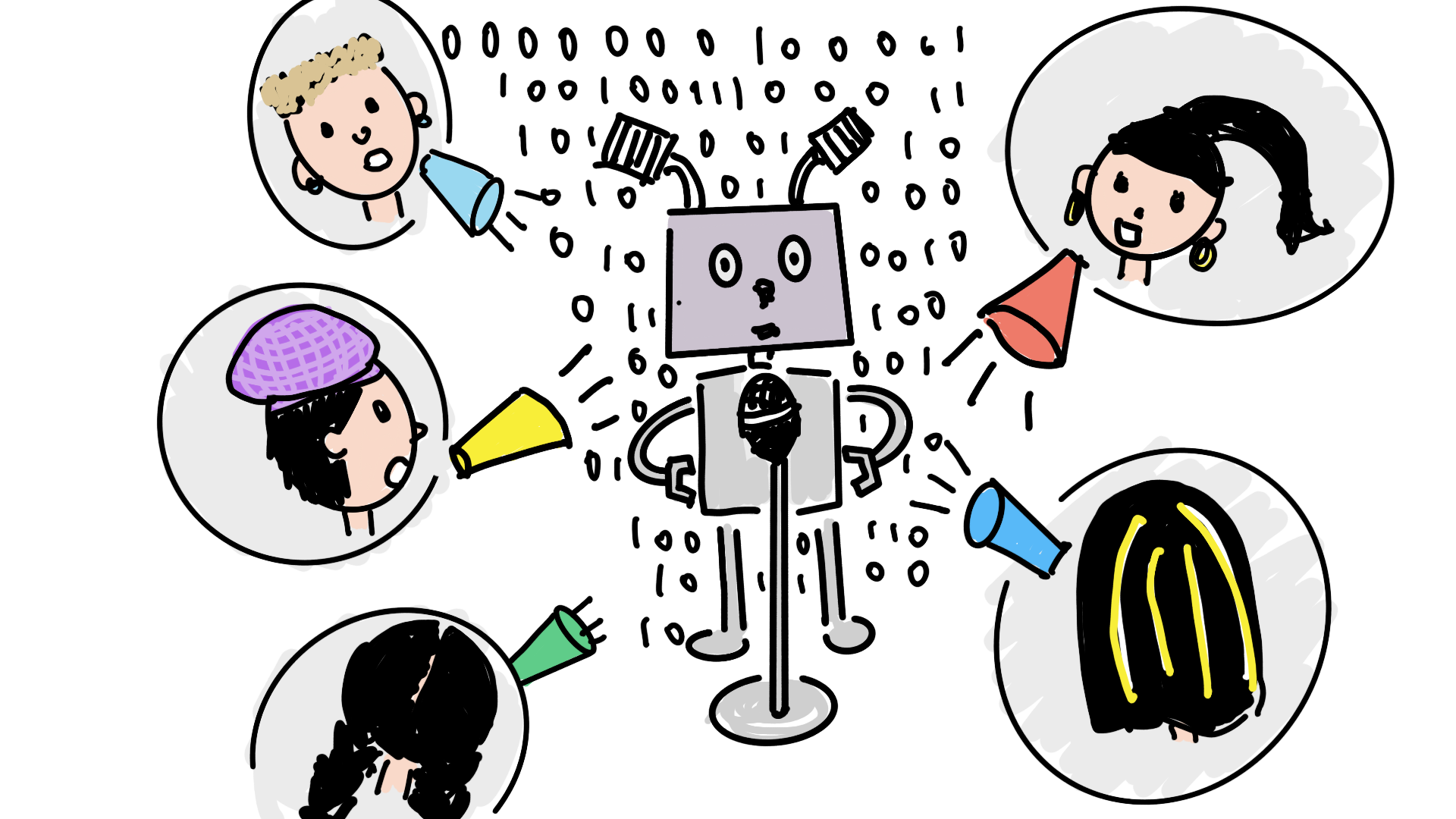
The design process can be rigid, but in practice designers often have to come up with their own methods based on the real situation. There’s increasingly no set design process anymore. But the fundamental UX methods — affinity mapping, dot voting, scales, structured exercises — are still the building blocks designers remix into custom processes for each situation.
The problem is that setting up those processes is more manual than it needs to be. Last time I wanted to run a workshop with the team, I needed a like/dislike exercise on competitor sites with examples in FigJam. I had to read through the comments that were placed on specific sites to get the overall idea. We didn’t have time to finish all of them. And this specific exercise didn’t even need to happen live — it could have been async.
If FigJam’s AI were more robust, it could help with all of this. The common thread is AI as a process assistant — helping the designer set up and run a process, not doing the thinking for the team:
- Organizing screenshots from competitors before a session.
- Summarizing remarks on the canvas during one.
- Jamming with the team in real time as a participant.
- Auto-running a structured exercise, or facilitating an async workshop when the team can’t be in the same room.
I’ve seen this work in small ways already. I sent a pre-workshop survey to everyone on the team, and it was super helpful — everyone liked it. I was able to get insights quickly by running the results through AI. If AI could make collaboration smoother like that, maybe it can happen more often to align decisions and drive better results.
The thread connecting these three
These three ideas come from the same place. AI is going to handle more and more of the mechanical output of design. Whatever helps with that mechanical execution and enhances the design thinking process will stay. That’s Figma’s strong competitive edge against the other AI companies.
Design thinking is becoming more important, not less. The tools that protect it will be the ones that last.
I’ve always been passionate about tools that lower the entry bar and unlock people’s creativity and thinking. Figma is one of them, and AI is now unlocking a lot of people too. But in reality, there’s still a gap between what people actually want and what they’re able to build. AI should encourage more creativity, not less. Figma encouraged people from all kinds of backgrounds to become designers and shine in their space.